A Private Money Tracker for iPhone.
Reshta makes manual tracking quick and simple.

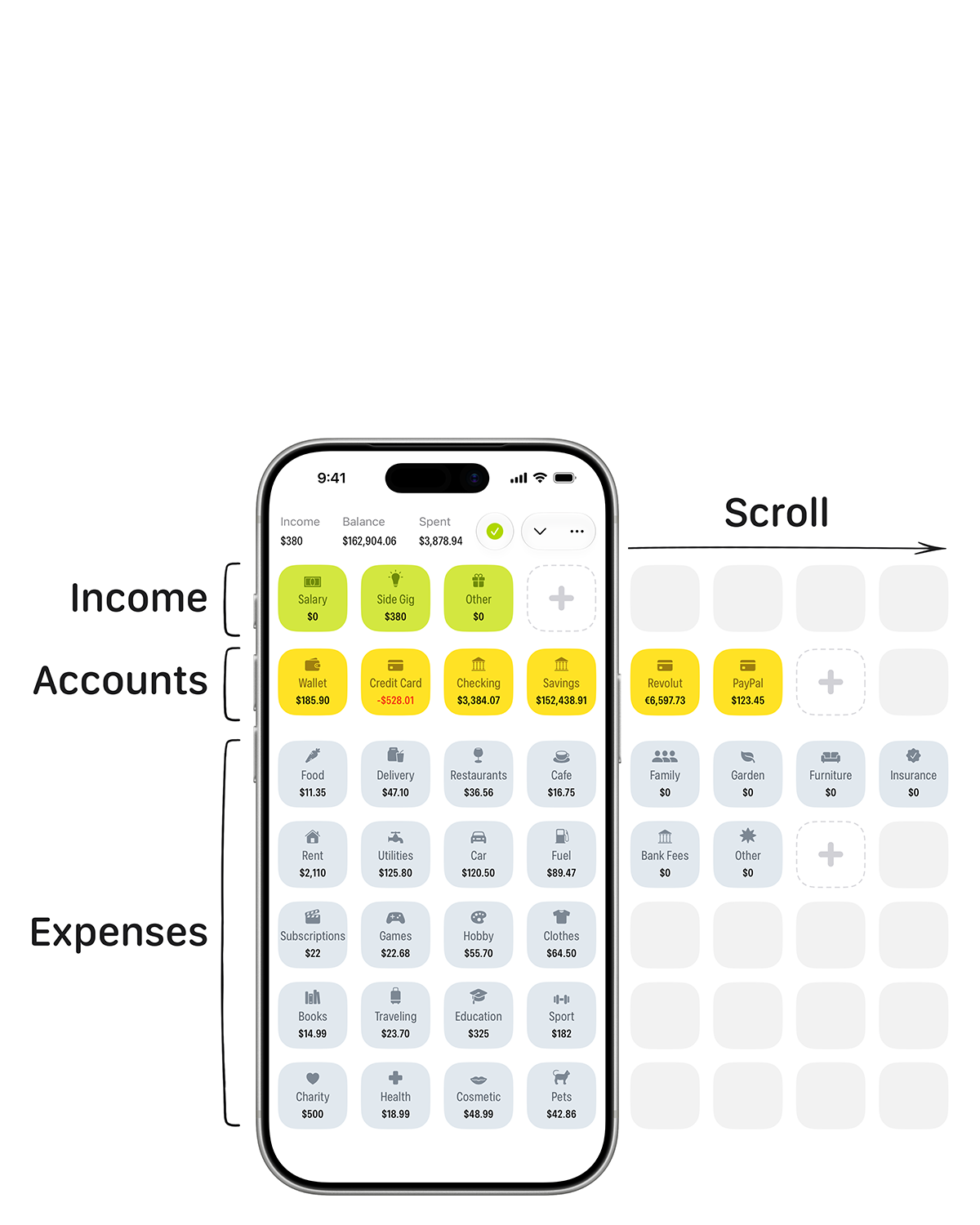
- All your money on one screen
- Record income
- Record a transfer between accounts
- View Credit Card's history
- Record an expense
- Add a note and tags
- See the expense in Credit Card's history
- See it in Education too
Features
-
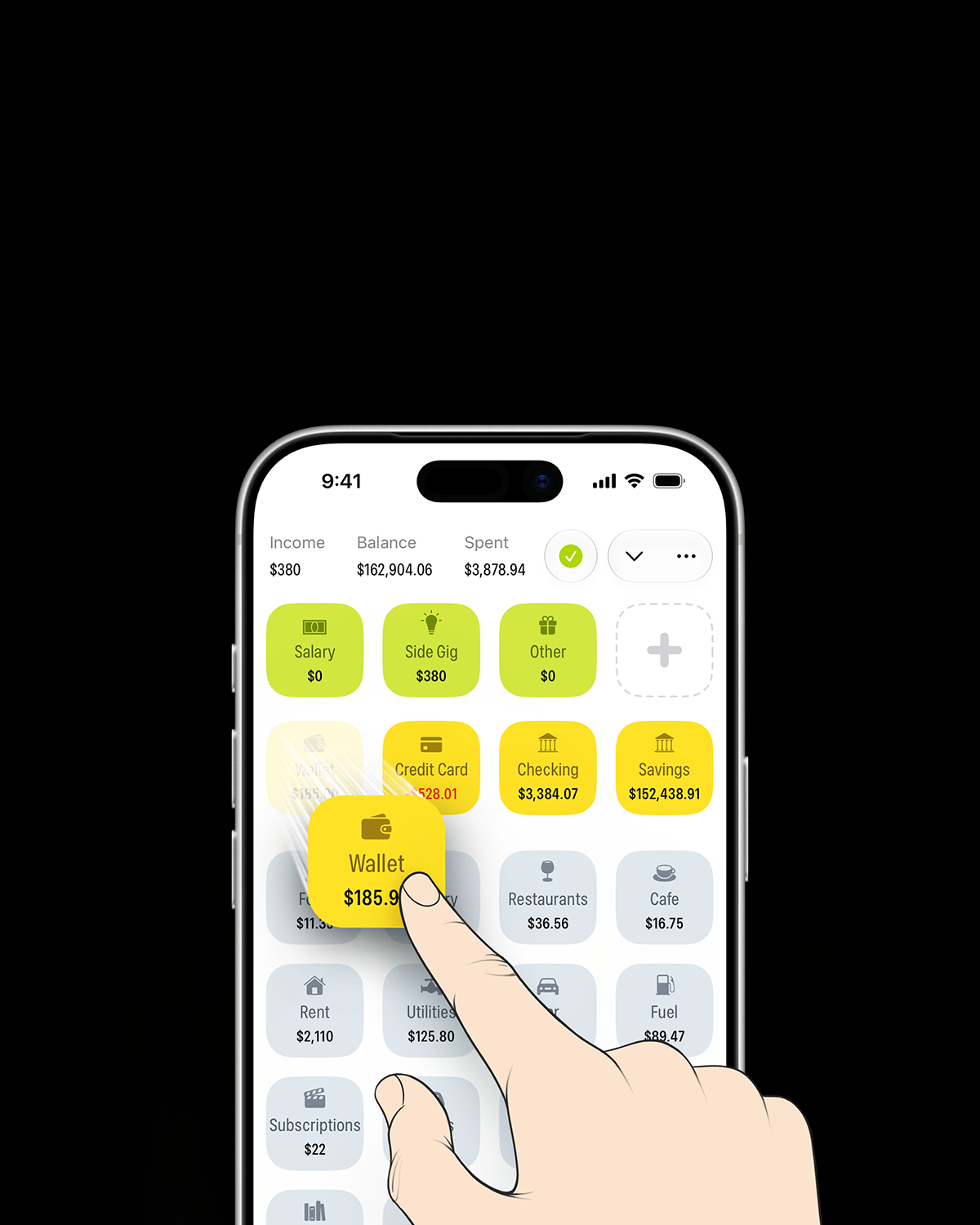
Record it with a gesture.
Record income, expenses, and transfers between accounts with a simple drag and drop.
-
See all your categories at once.
No digging through menus or dropdowns.
-
No bank connections.
Add transactions yourself and keep your bank details private.
-
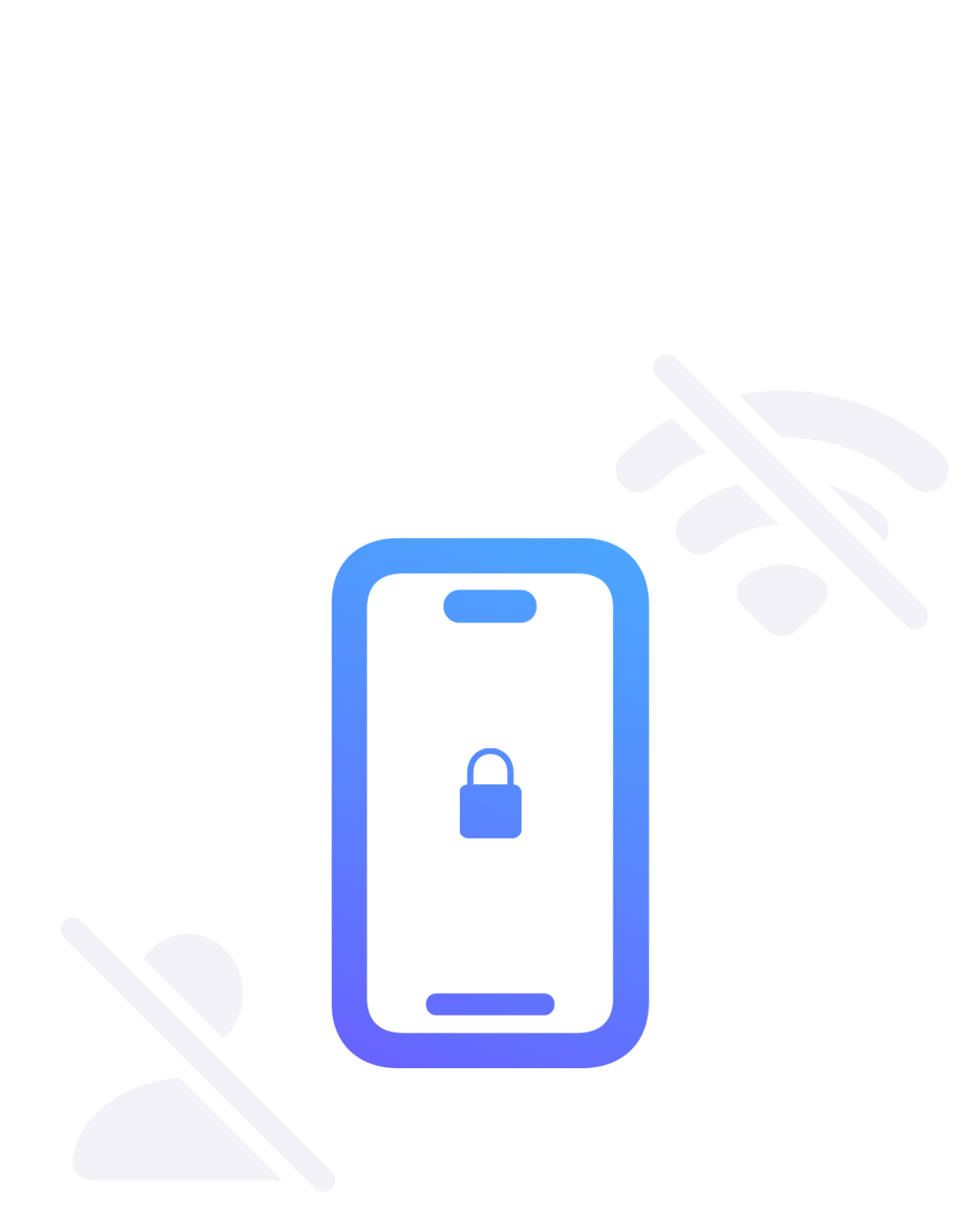
Keep your data only on your iPhone.
Use Reshta without an account or an internet connection.
-
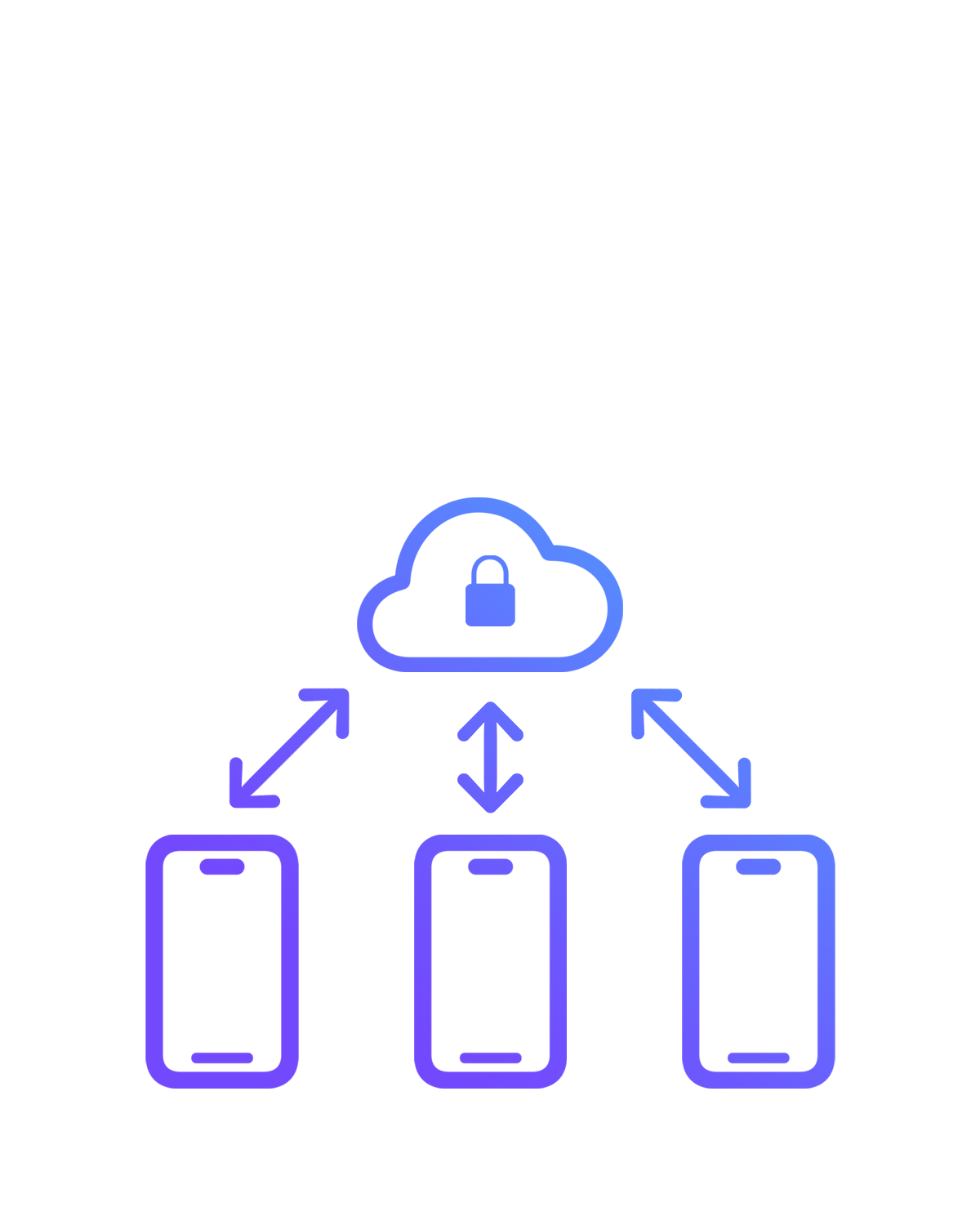
Or sync your data across devices.
Track money solo or together with encrypted cloud sync.
-
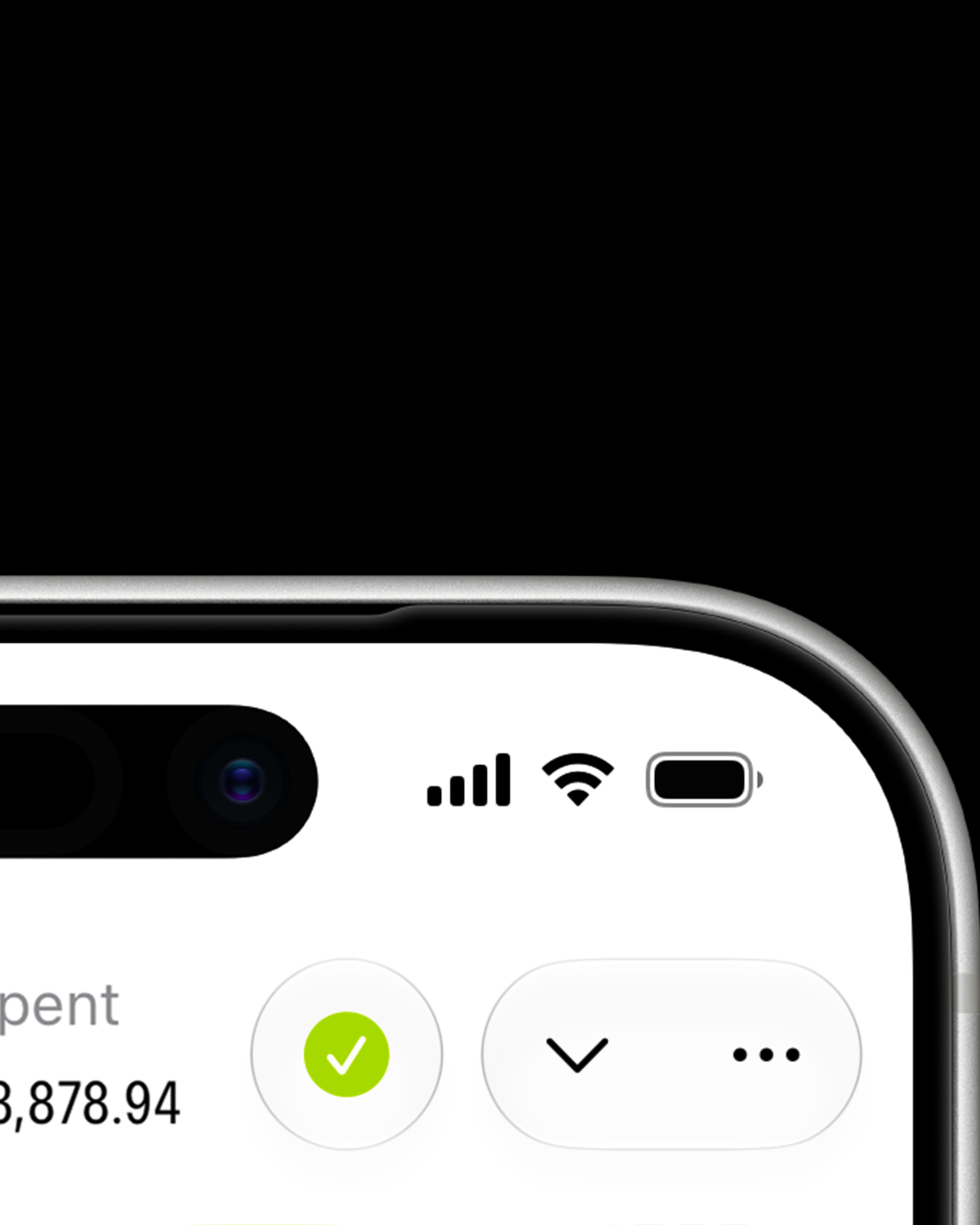
Sync status, always visible.
See whether your data is up to date, right on the main screen.
-
Blazing fast.
Your changes save instantly and sync automatically in the background.
-
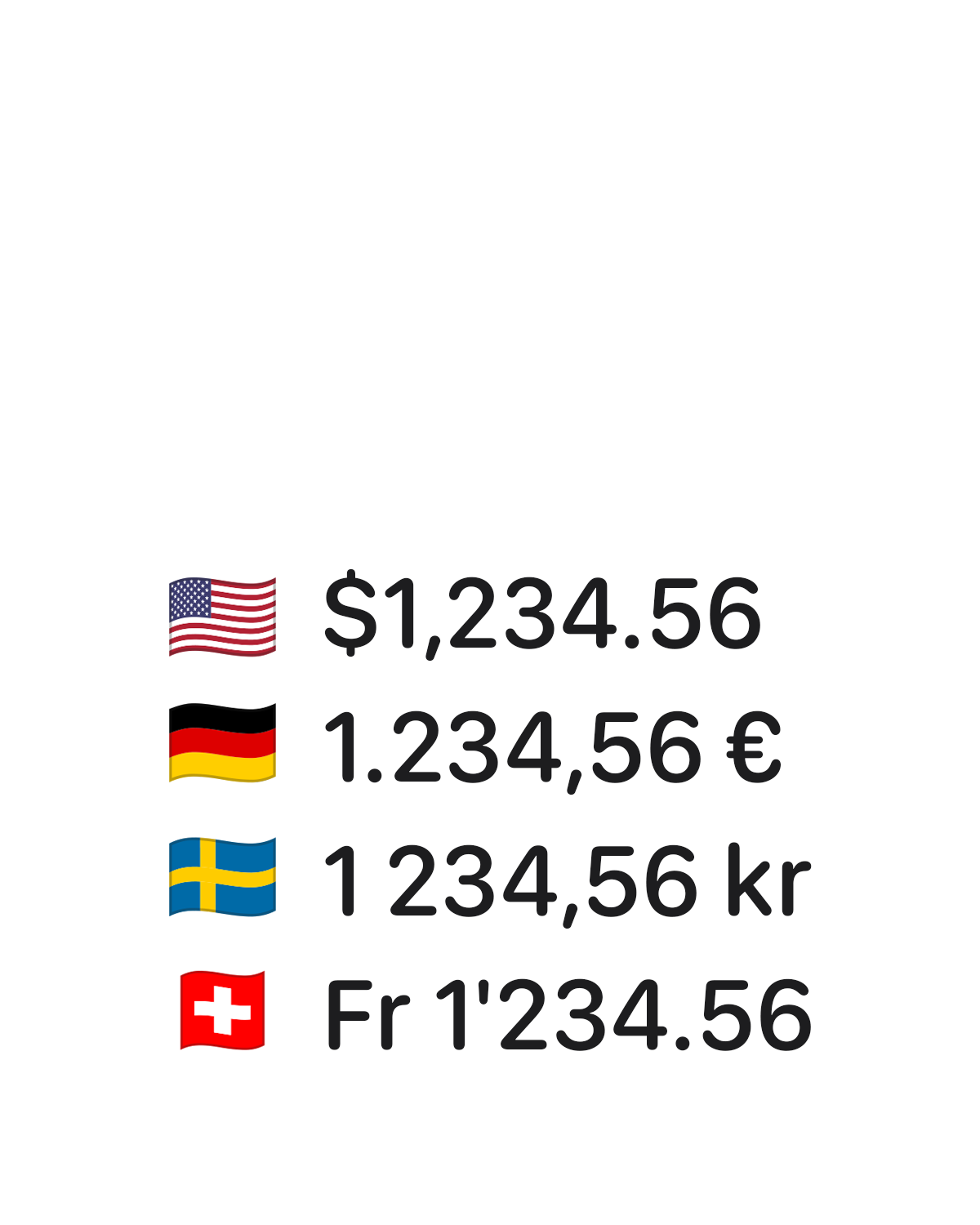
Numbers that feel familiar.
Amounts automatically match your iPhone's regional settings.
-
Your data. Your decision.
Delete your cloud data whenever you choose.
-
An extra layer of privacy.
Lock Reshta with Face ID or passcode.
-
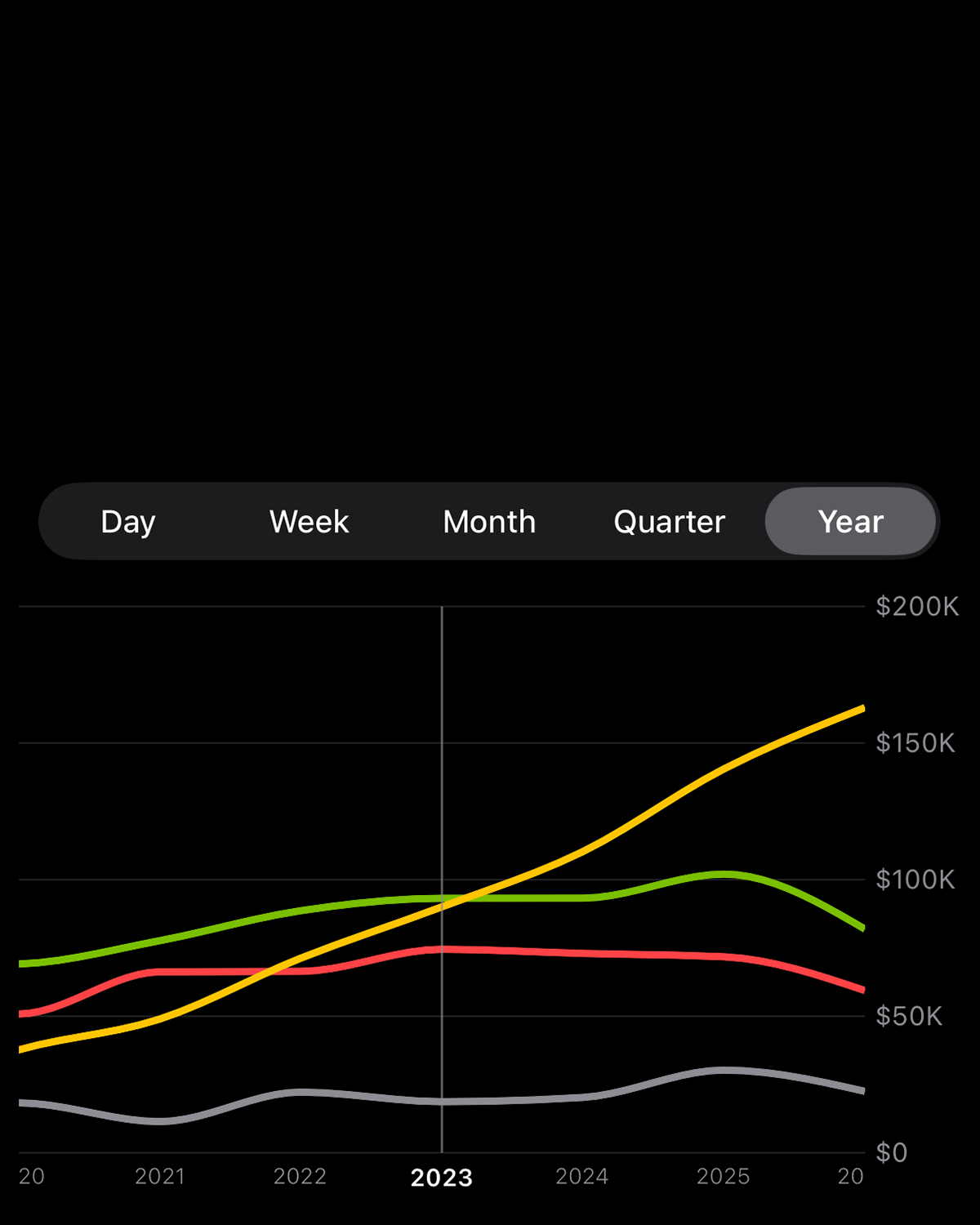
Follow your money's flow.
Explore your income and spending with clear, detailed statistics.
-
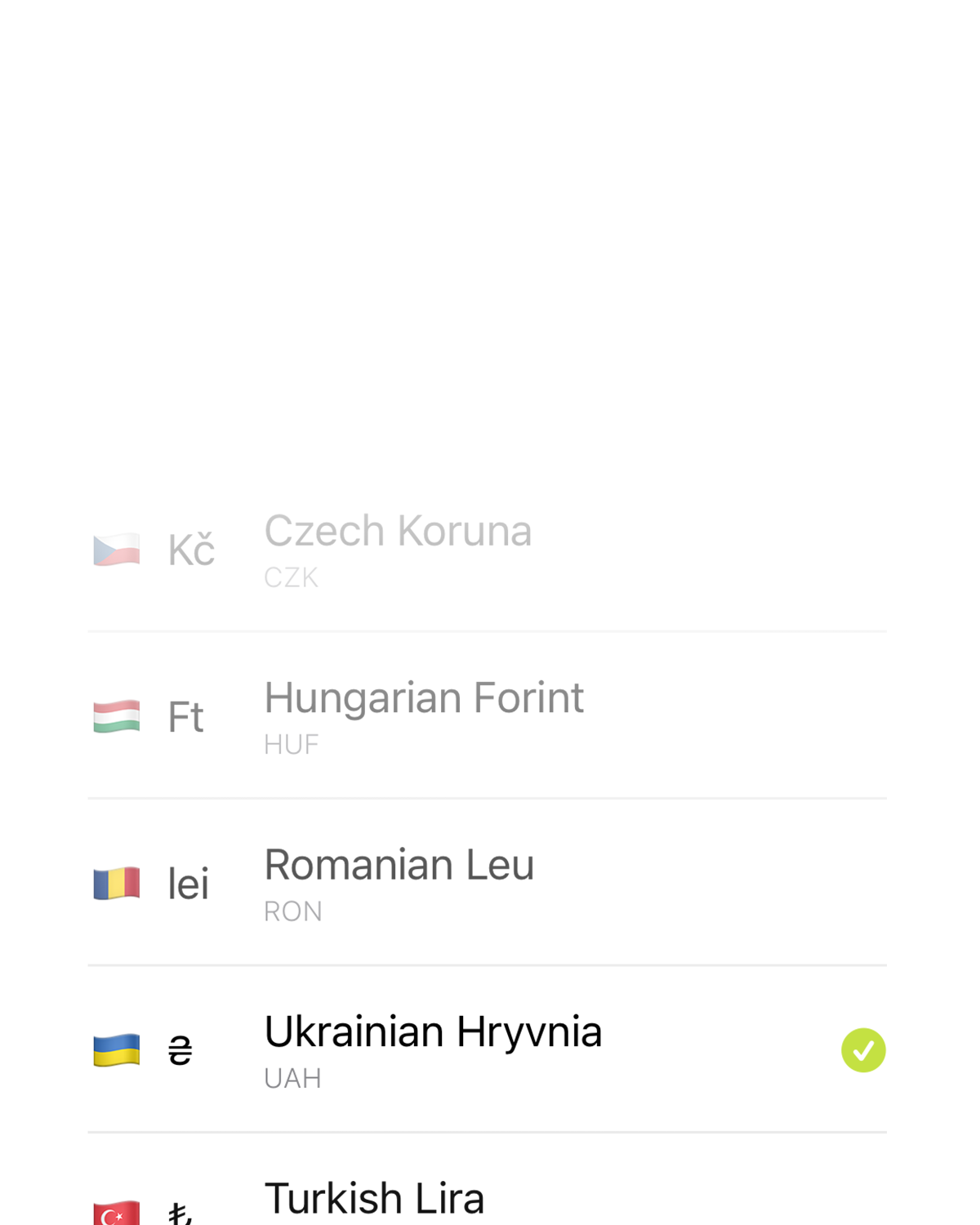
Track your money in 43 currencies.
Reshta handles currency conversions automatically, with exchange rates updated daily.
-
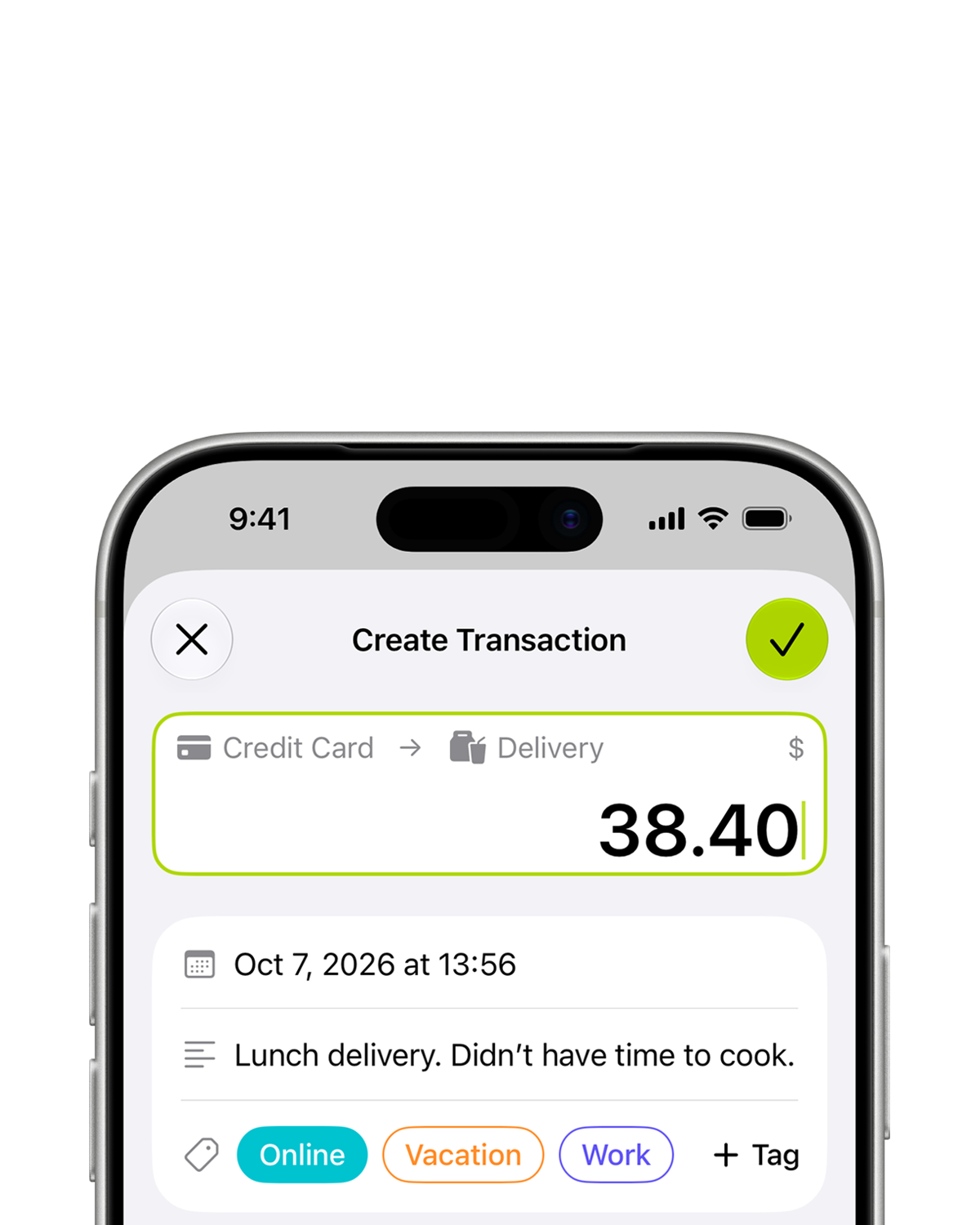
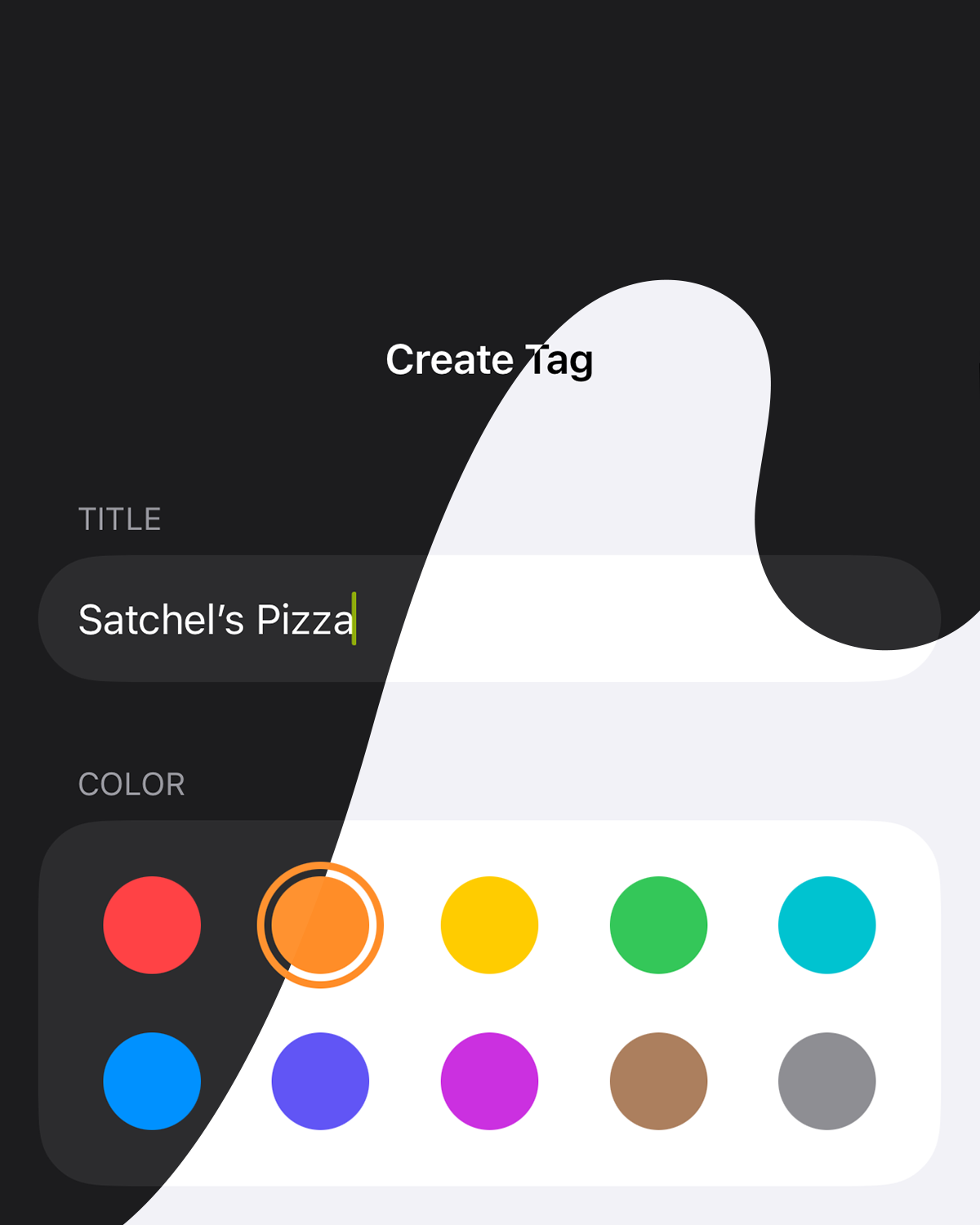
Transaction is more than an amount.
Add tags and notes, and set a custom date when needed.
-
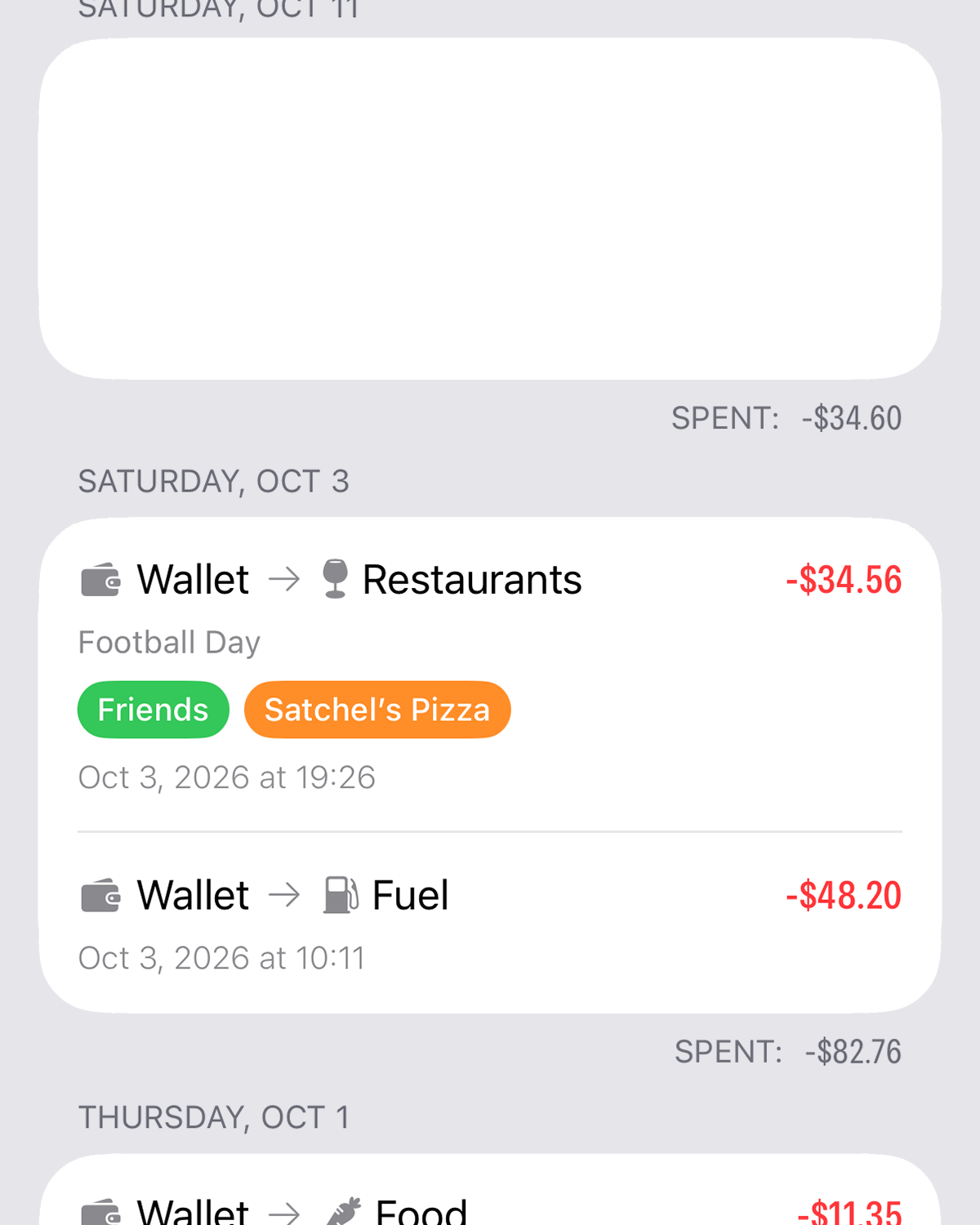
Every category has a history.
Browse the full transaction history.
-
Dark or light?
Pick a side.
-
Your data moves with you.
Save a backup file and restore your data on your current iPhone or a new one.
-
Export to CSV.
Open and explore your data in your favorite spreadsheet app.
-
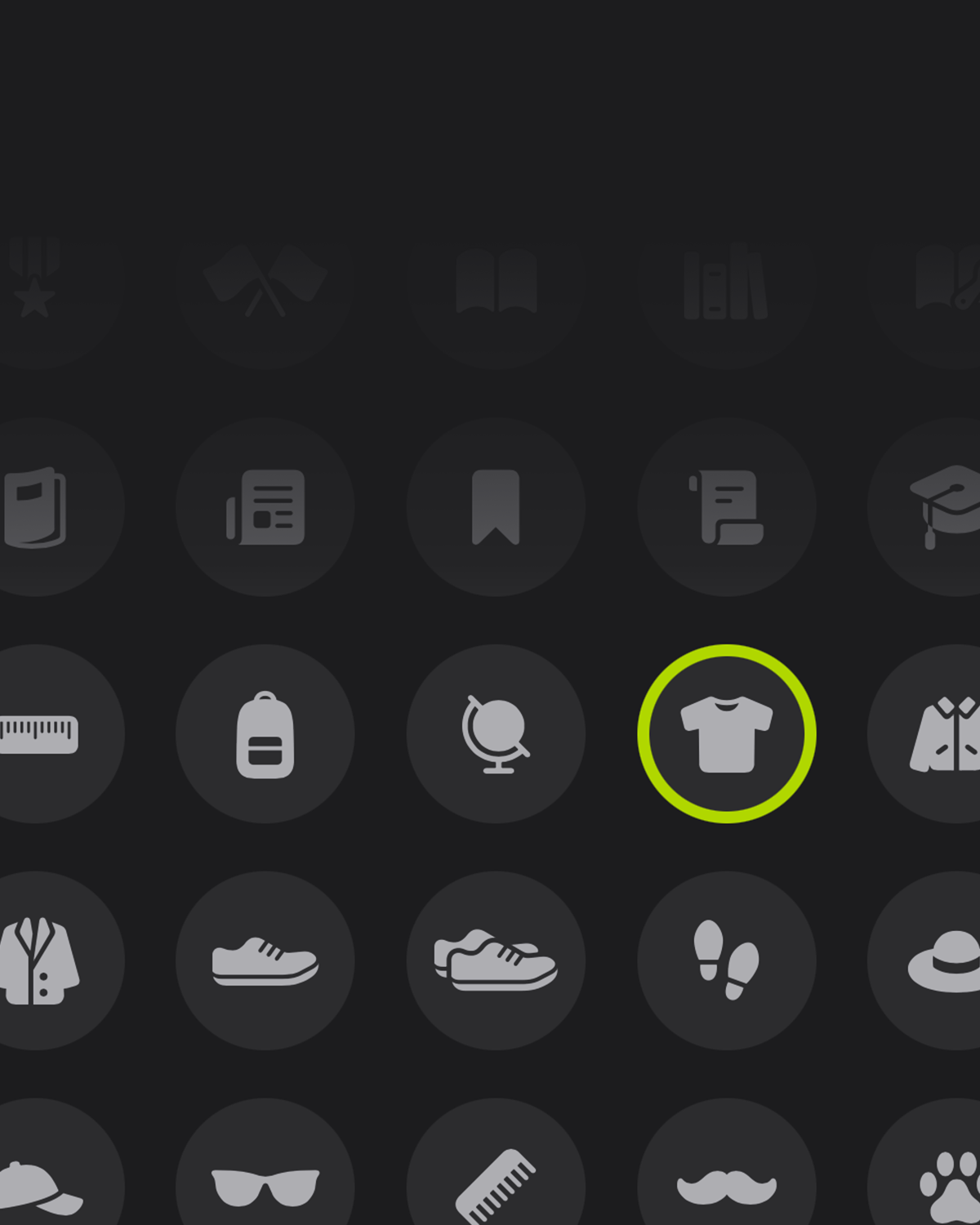
Your categories, your style.
Choose from 380 icons to give each category its own look.





Questions? Answers.
What is Reshta?
Reshta is an iPhone app for tracking your income, spending, and account balances. It's built by indie developer Mykyta Soloviov.
What does "Reshta" mean?
Решта (reshta) is the Ukrainian word for "change" - the money you get back when you pay more than the price.
Is Reshta free?
Yes. You can track your money for free with up to 5 Income Sources, 5 Accounts, and 5 Expense Categories.
An optional Reshta Pro subscription adds unlimited categories and sync across devices.
Is Reshta available on Android or other platforms?
Reshta is currently available only for iPhone and requires iOS 26.2 or later. Apps with the same name on other platforms are not affiliated with Reshta.
Do I need a Reshta account?
No. Reshta works without an account and stores your data on your device. You only need an account to sync across devices.
Does Reshta work offline?
Yes. Reshta saves your data on your device first, so you can use it without an internet connection. If you use sync, Reshta uploads your changes and downloads changes from your other devices when you're back online.
Does Reshta track me or show ads?
No. Reshta doesn't show ads, track you, or sell your data.
How do I track my money?
Touch and hold a category, then drag it onto another one:
- Income Source → Account: income
- Account → Account: transfer
- Account → Expense Category: expense
Enter the amount and save. You can also change the date and time or add a note and tags.
Why did my income and expense totals reset to zero?
These totals show the current month and reset on the 1st, using the time zone set in Menu → Settings. Account balances show how much money you have, so they don't reset when a new month starts.
To view past months, go to Menu → Statistics.
Can I use multiple currencies?
Yes. Reshta supports 43 currencies, and each category has its own currency.
For transactions between currencies, enter either amount and Reshta automatically calculates the other using current exchange rates. You can adjust either amount manually.
Why do my statistics change from day to day?
If you use multiple currencies, Statistics uses the latest exchange rates to calculate totals. These totals may change as rates change. Your original transaction amounts stay the same.
Can I use Reshta with my partner or family?
Yes. Sign in to the same Reshta account on each device to keep your data in sync. Each device needs Reshta Pro through a subscription or Family Sharing. Reshta handles conflicting changes automatically. Any changes it adjusts or can't save appear under Sync Issues.
What happens to my device's data when I sign in?
Reshta gives you three options:
- Merge with Account: merges this device's data with your cloud data. If you're on the Free plan, your cloud data appears on this device after you subscribe to Pro.
- Delete from Device: deletes this device's data and downloads your data from the cloud instead.
- Cancel: signs you out and keeps this device's data unchanged.
What happens when I sign out?
Reshta removes your data from this device. Your synced data stays in the cloud and downloads again when you sign back in. If any changes haven't synced, Reshta warns you before signing out.
What happens if my subscription ends?
You keep your account and data. Sync pauses, so new changes stay on your device and sync when you resubscribe.
On the Free plan, only the first 5 categories of each type can be used for new transactions. The others stay visible with their history. Use Menu → Reorder to choose which 5 to use.
How do I back up and restore my data?
Go to Menu → Data → Create Backup and save the file somewhere safe. Use Restore from Backup to restore it on this device or another one. No account is required.
Restoring a backup replaces all your current data. If you're signed in, it also replaces your data in the cloud and on all synced devices. Back up your current data first if you want to keep a copy.
How do I delete all my data?
Go to Menu → Data → Delete All Data. This deletes your data from this device. If you're signed in, it also deletes your data from the cloud and all synced devices. Your Reshta account isn't deleted.
How do I delete my Reshta account?
Go to Menu → Profile → Delete Account. This permanently deletes your account and all your data from this device and the cloud.
To keep your data and continue without an account, create a backup first, then restore it after deleting your account.






Join the Reshta community.
Ask questions, share feedback, and suggest improvements.
Join the Facebook group
Start tracking your money.
Free to download. No account required. Works offline.